The first and only US-based cloud POS with live GSX integration·Now open to the public
One account. Every location.
Multi-location repair shop management
Two shops or twenty, BenchOS runs them from a single login. Each location
keeps its own inventory, its own card readers, its own Stripe account and
its own tax rates, while you see every store on one dashboard. Switch
between locations with one click, and nothing bleeds across.
Each location is a fully independent shop inside one account. You don't
configure "the shop" and then try to split it, you configure each
store and BenchOS keeps them separated by design.
Separate Stripe accounts
Each location connects its own Stripe account. Card payments settle
to that store's bank, and Stripe fees hit the right P&L. No
routing rules, no manual splits.
Stock by location
Inventory is tracked per store: on-hand, reserved, available, and
on-order quantities are computed independently at each location. A
sale in Stamford never touches the count in Newtown.
Per-store tax rates
Connecticut charges 6.35%, Florida charges nothing. Set each
location's tax rate once in Settings and every invoice at that
store calculates correctly, no overrides needed.
Own card readers
Each counter position has its own Stripe Terminal reader, tied to
the store it sits in. Pair a reader to a workstation once and
payment goes to the right Stripe account every time.
Store-scoped ticket numbers
Each location generates its own ticket number sequence, so
Stamford runs CC-00001… and Newtown runs NT-00001… with no
collisions and no gaps. The database enforces uniqueness per store.
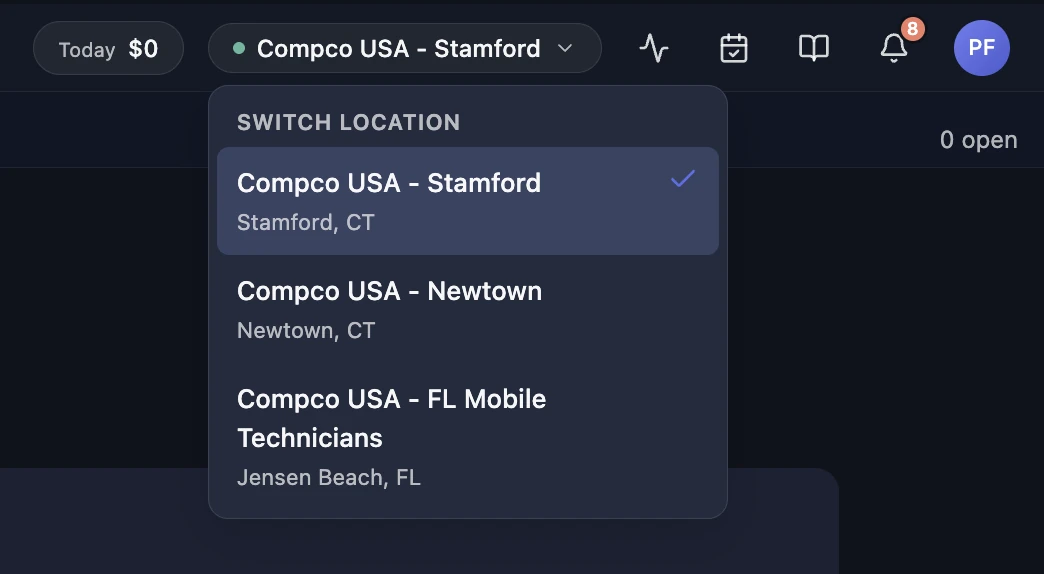
One click to switch
The store switcher in the top bar changes your entire context:
tickets, inventory, payments, settings, all scoped to the location
you're working at. No logging out, no separate accounts.
Cross-location visibility
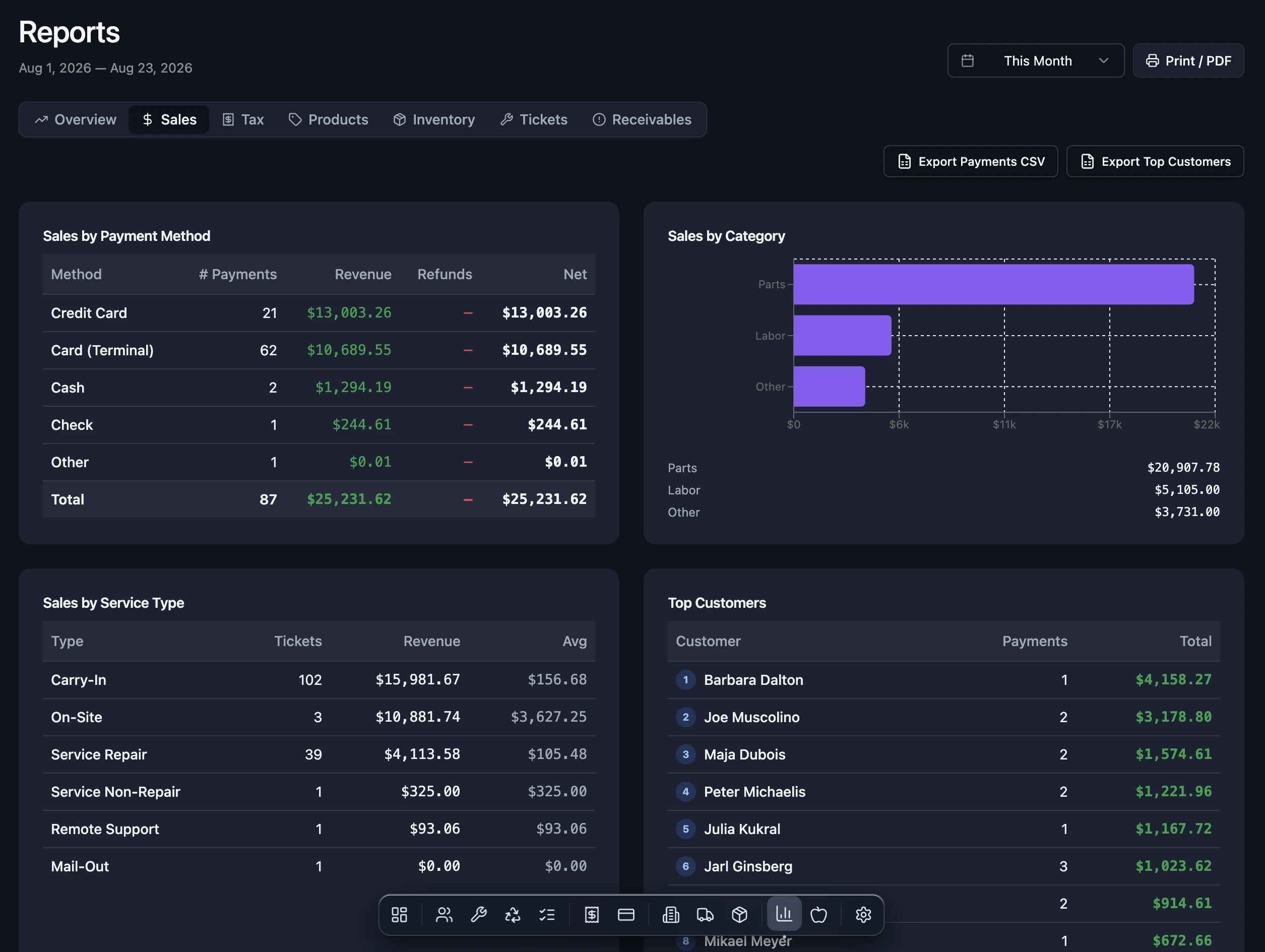
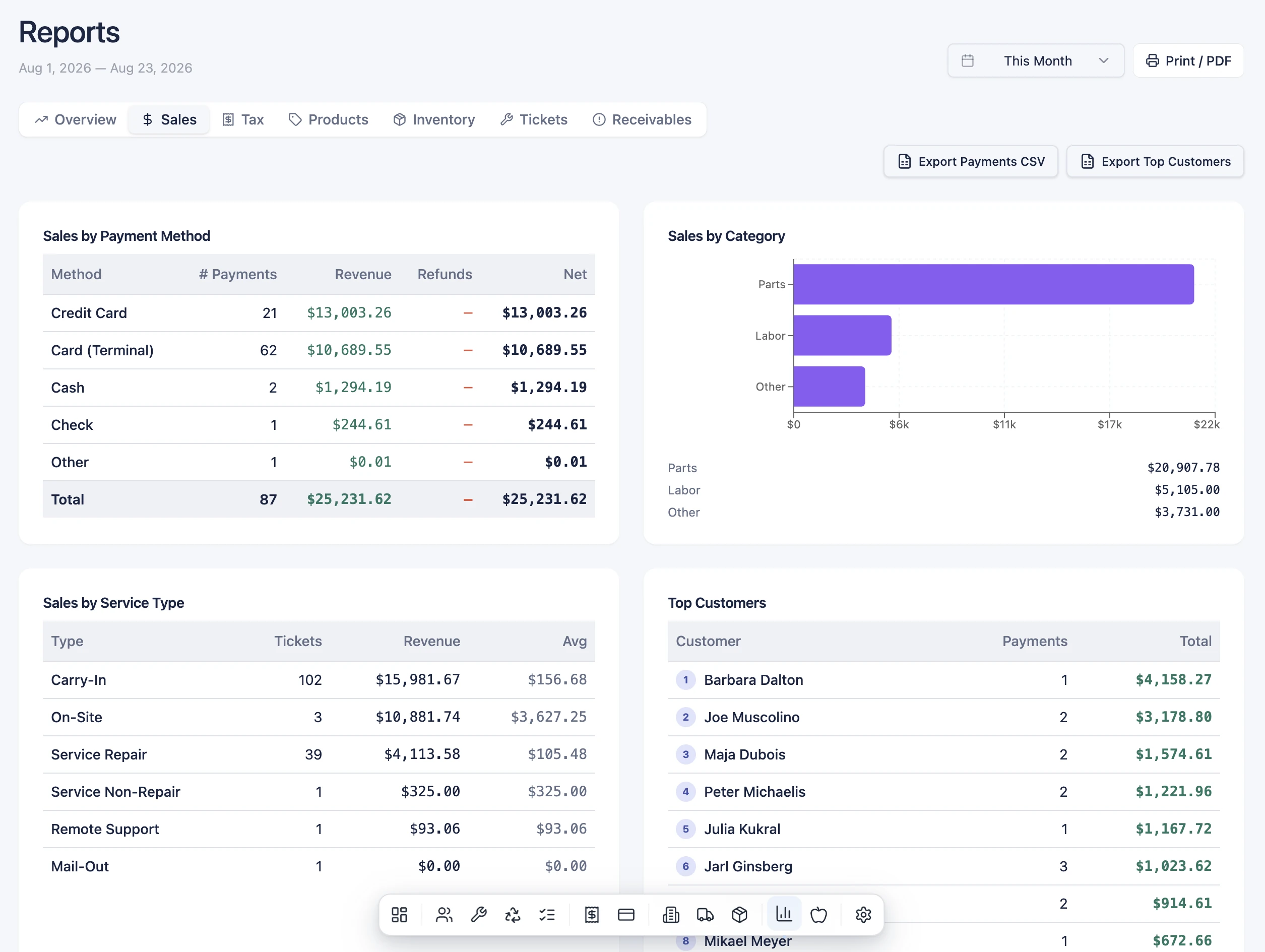
The dashboard tiles, revenue charts and reports draw from every
location at once. You see total revenue, outstanding balances and
ticket volume across the whole business, then drill into any single
store for the breakdown.
Revenue by store on one dashboard
Compare location performance side by side
Reports filter by location or show all
Cash reconciliation per till, per store
Apple Operations across all locations
Inventory that stays put
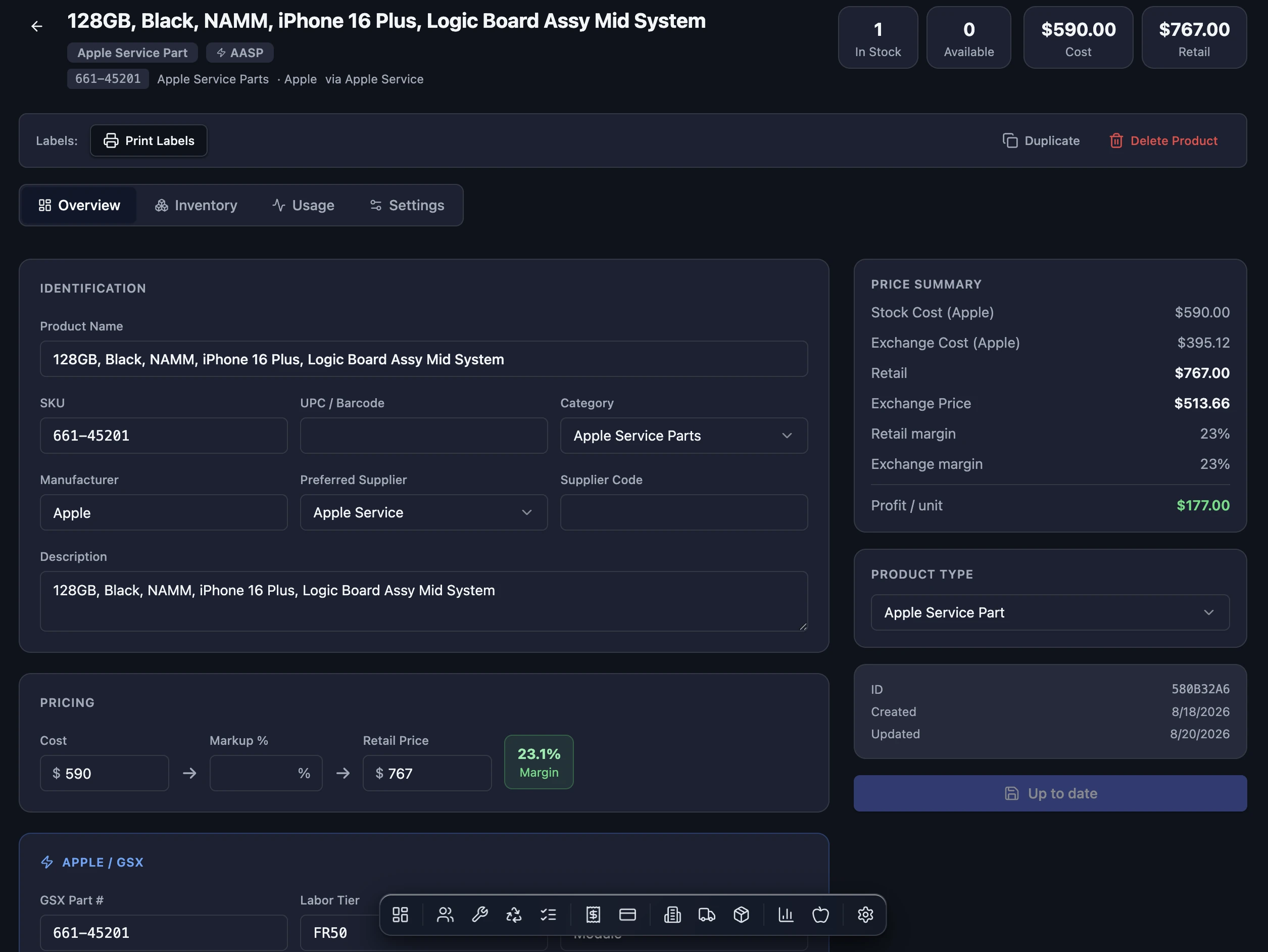
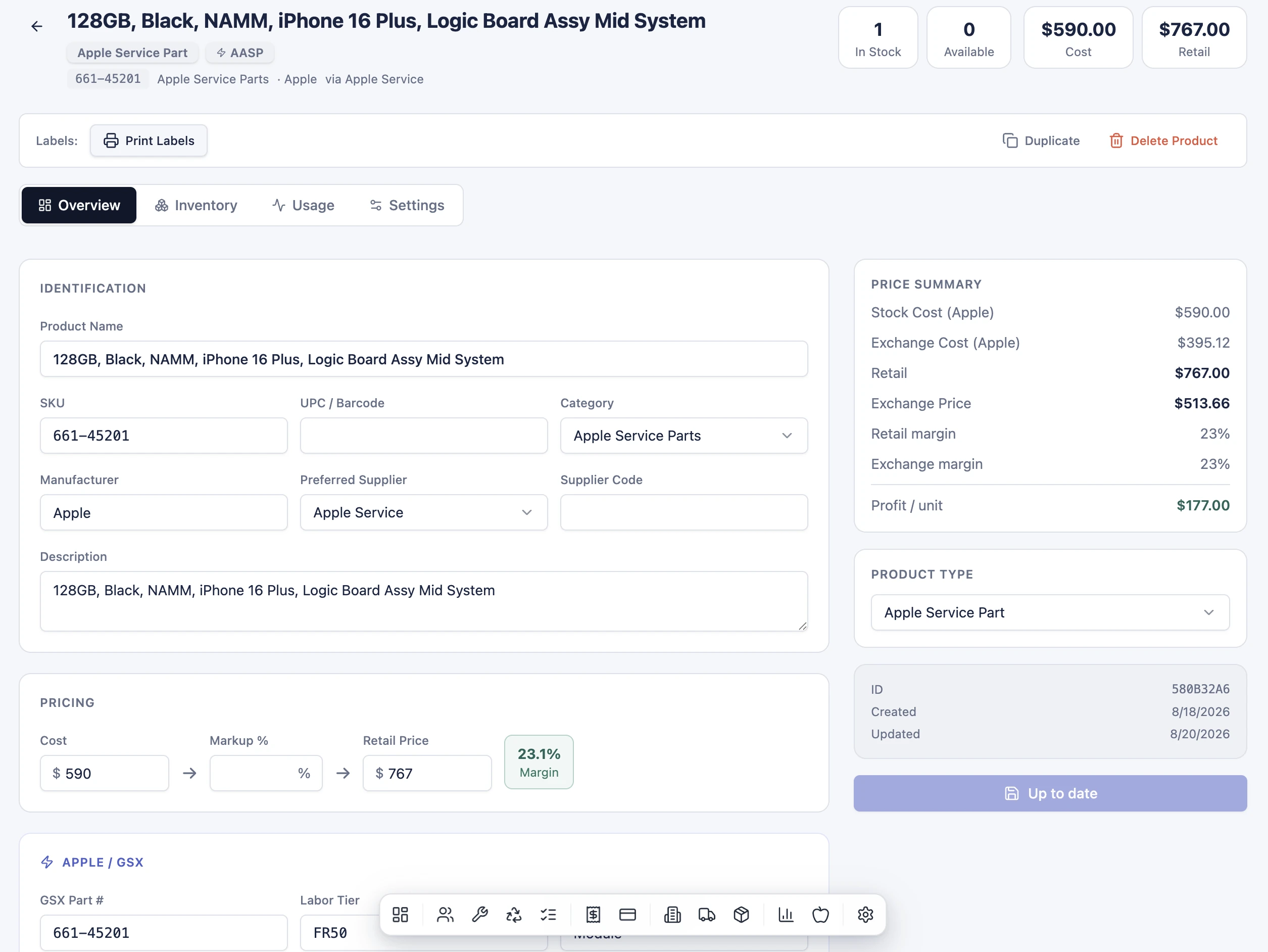
Every product tracks stock independently at each store: on-hand,
reserved against open tickets, on-order from purchase orders, and
available to sell. The numbers are computed by the database from the
ledger of movements, so they can't drift and they can't be
overwritten by a UI bug.
On-hand, reserved, on-order and available per store
Purchase orders scoped to the receiving location
Location transfers move stock between stores
Serialized units tracked per location
Oversell warning at the point of sale
One Apple GSX integration, correct per-location routing
Apple GSX is per-organization: one Apple account, one certificate, one
Sold-To number. Locations are Ship-Tos under that one account. BenchOS
maps each store to its Apple Ship-To number, and every GSX request
routes to the right location automatically.
StamfordShip-To 0001467115
File a repair at Stamford→Parts ship to Stamford
NewtownShip-To 0001697191
File a repair at Newtown→Parts ship to Newtown
FloridaShip-To 0001467115
File a repair at Florida→Parts ship to Florida
No manual Ship-To selection, no separate GSX logins. Set the Ship-To
number once per store in Settings and every repair, parts order and
return routes correctly. One integration, all locations.
Your team, organized by location
Staff belong to the locations they work at. The technician queue
shows each store's active repairs separately, and workstation
profiles (stations) let you configure each counter position: its
card reader, label printer, and default label size.
Per-location technician queues
Workstation profiles tied to each counter
Admin, manager and technician roles
Two-factor authentication enforced for all staff
Station-linked card readers and printers
Multi-location from day one
Every BenchOS plan supports multiple locations. Start with one store and
add more as you grow, or migrate a full multi-store operation in one go.
Same setup, same price per location, no "enterprise" gatekeeping.
Migrating from another system? We've moved full multi-location shops
and will help with yours.